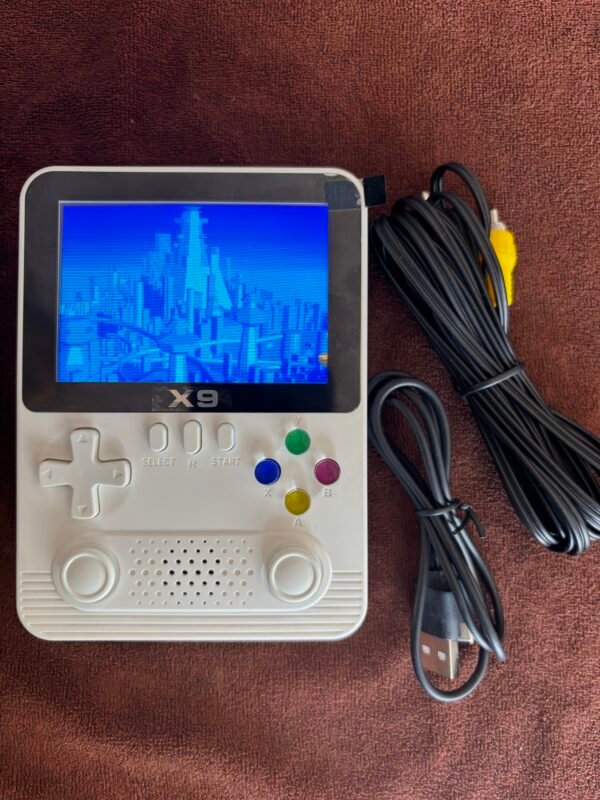
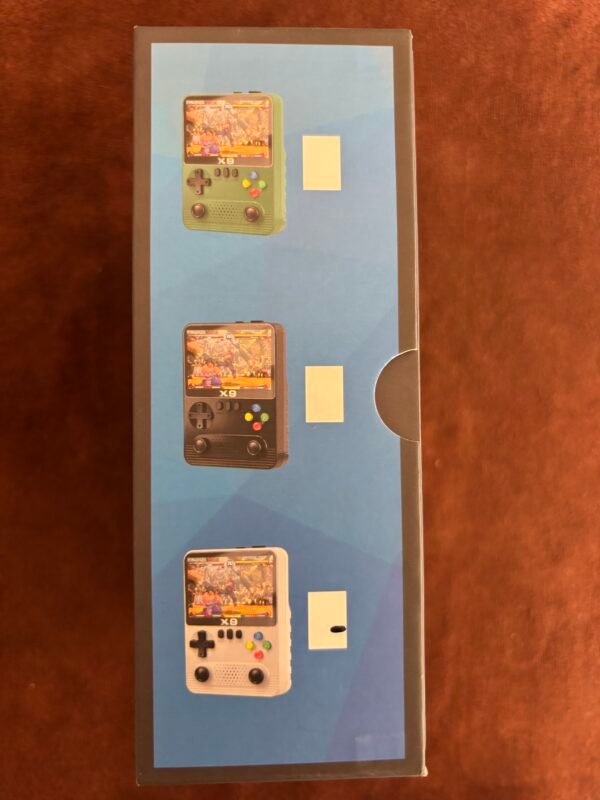
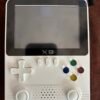
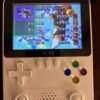
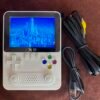
Description
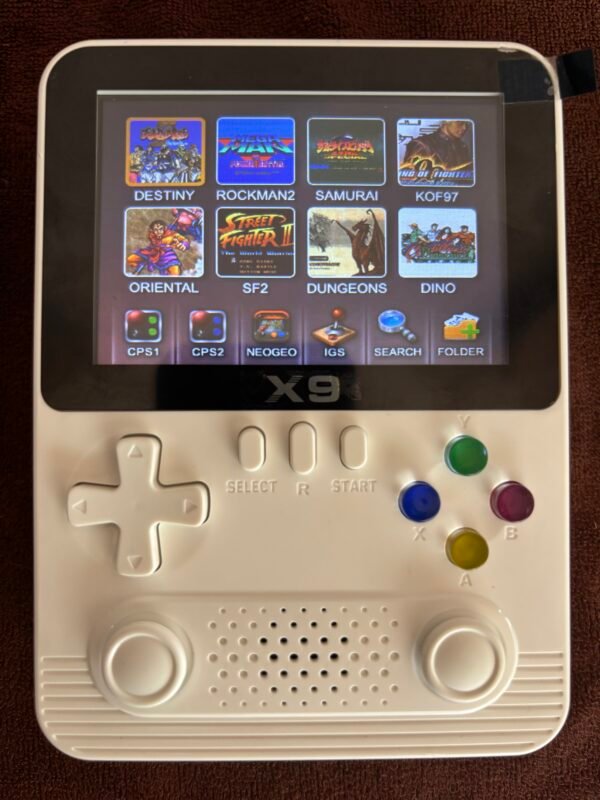
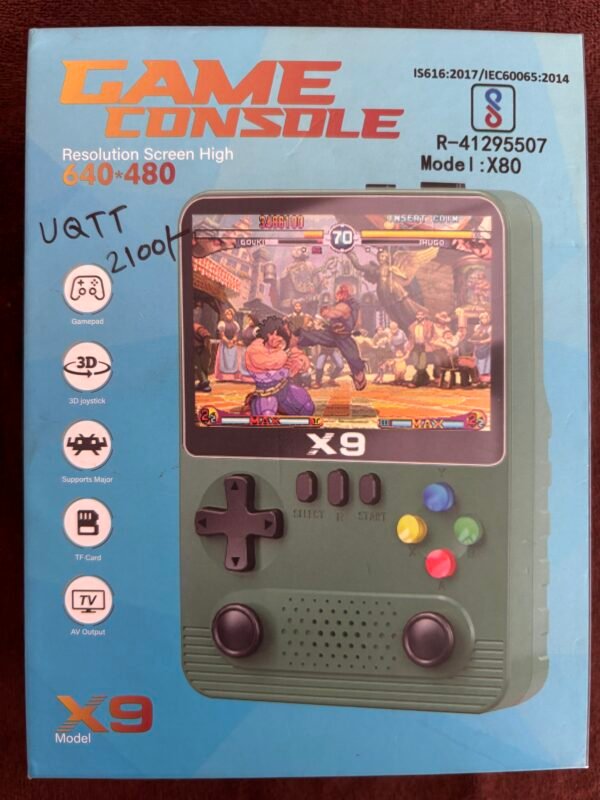
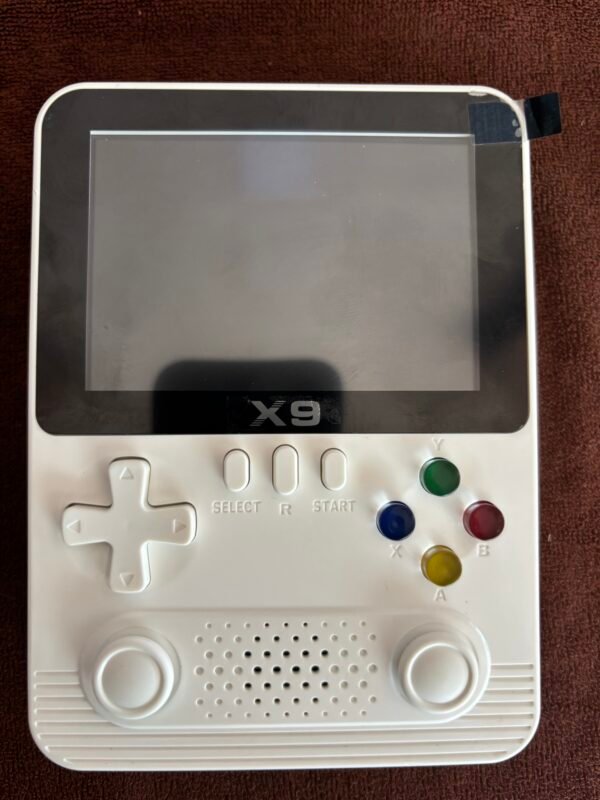
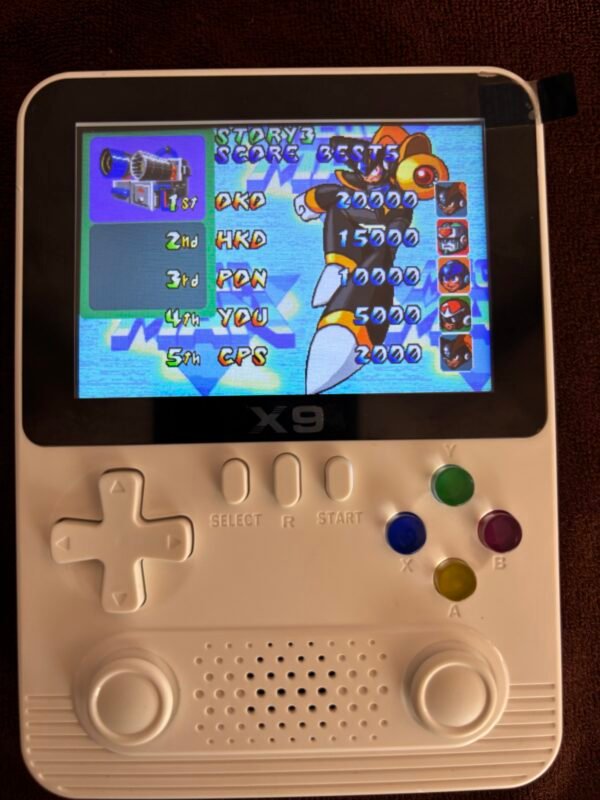
Game Console X9 Model | Resolution Screen High 640*480
Battery precautions:
- Do not put the battery into the fire.
- Do not put the battery in a humid place to prevent short circuit.
- If the battery is not used for a long time, please remove the battery from the device.
Note that the manufacturer shall not be liable for battery leakage or corrosion.
Power supply instructions:
When the machine is not in use, the power plug must be pulled out. When the power supply is removed from the power socket When adapter, be sure to grasp the adapter seat body, do not pull the wire to pull out In case of electric shock, do not touch the power adapter in use with wet hands.
Suffocation hazard:
All packaging materials (e.g. tape plastic bags, labels, plastic sheets, binding lines) and Do not let children under three years contact with small accessories in order to avoid suffocation,And under the supervision of adults.
Key function
(Labels around diagram)
- DC
- TV
- GamePad
- Power
- Reset
- Menu
- Select
- D-Pad
- Joystick(L)
Right side:
- Vol+
- Vol-
- Start
- “X” Key
- “A” Key
- “Y” Key
- “B” Key
- Indicator Light
- Joystick(R)
- Horn
Back diagram:
- “L” Key
- “R” Key
- TF Card
Left column → Right column:
- DC → DC port
- TV → TV port
- GamePad → GamePad port
- Power → Power key
- Reset → Reset key
- Vol+ → Volume + key
- Vol- → Volume – key
- Menu → Menu/Pause/Back key
- Select → Select/Coin key
- Start → Start key
- Joystick(L) → 3D joystick arrow keys
- Joystick(R) → 3D joystick function keys
- D-Pad → Arrow keys
- “A” Key → Game function A key/Confirmation key
- “B” Key → Game function B key/Back key
- “X” Key → Game function X key
- “Y” Key → Game function Y key
- “L” Key → Game function L key
- “R” Key → Game function R key
- TF Card → TF card port
Video output connected to TV
be careful:
- Before connecting the TV, please make sure that the TV and the machine are turned off.
- Switch TV channel to audio / video channel.
Accessories: AV output line, USB power line.
This product must use special additional: AV output line, USB power line.
Unauthorized use of other accessories will not be responsible for any problems.
Reviews
There are no reviews yet.